welcome to your
index cubby starter guide

a little guide to getting started & making it yours

this guide covers what's in your cubby, how to set it up, and where each card goes. new here? start at the top. already set up? jump to the card finder.

start the guide where does this card go?
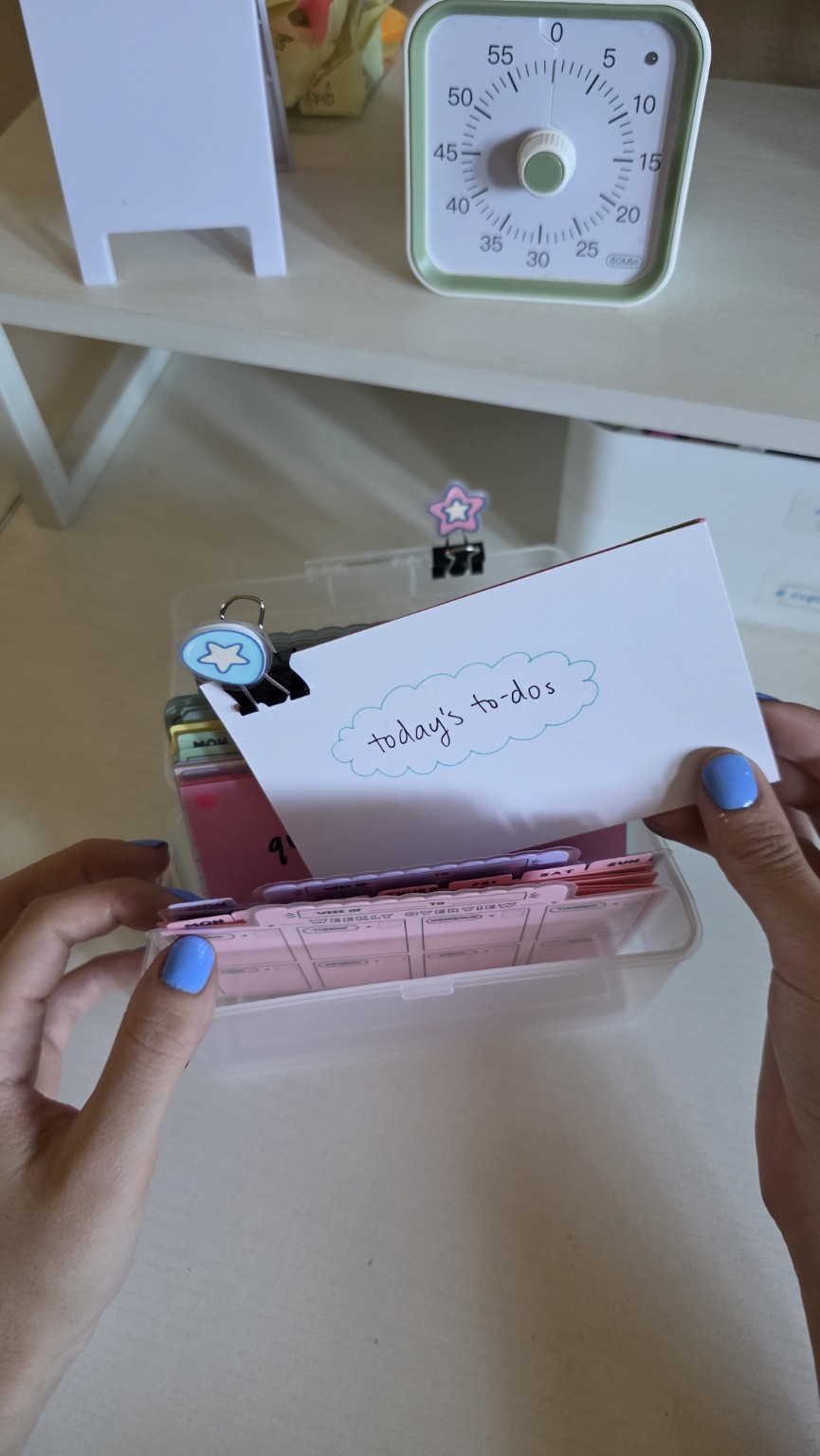
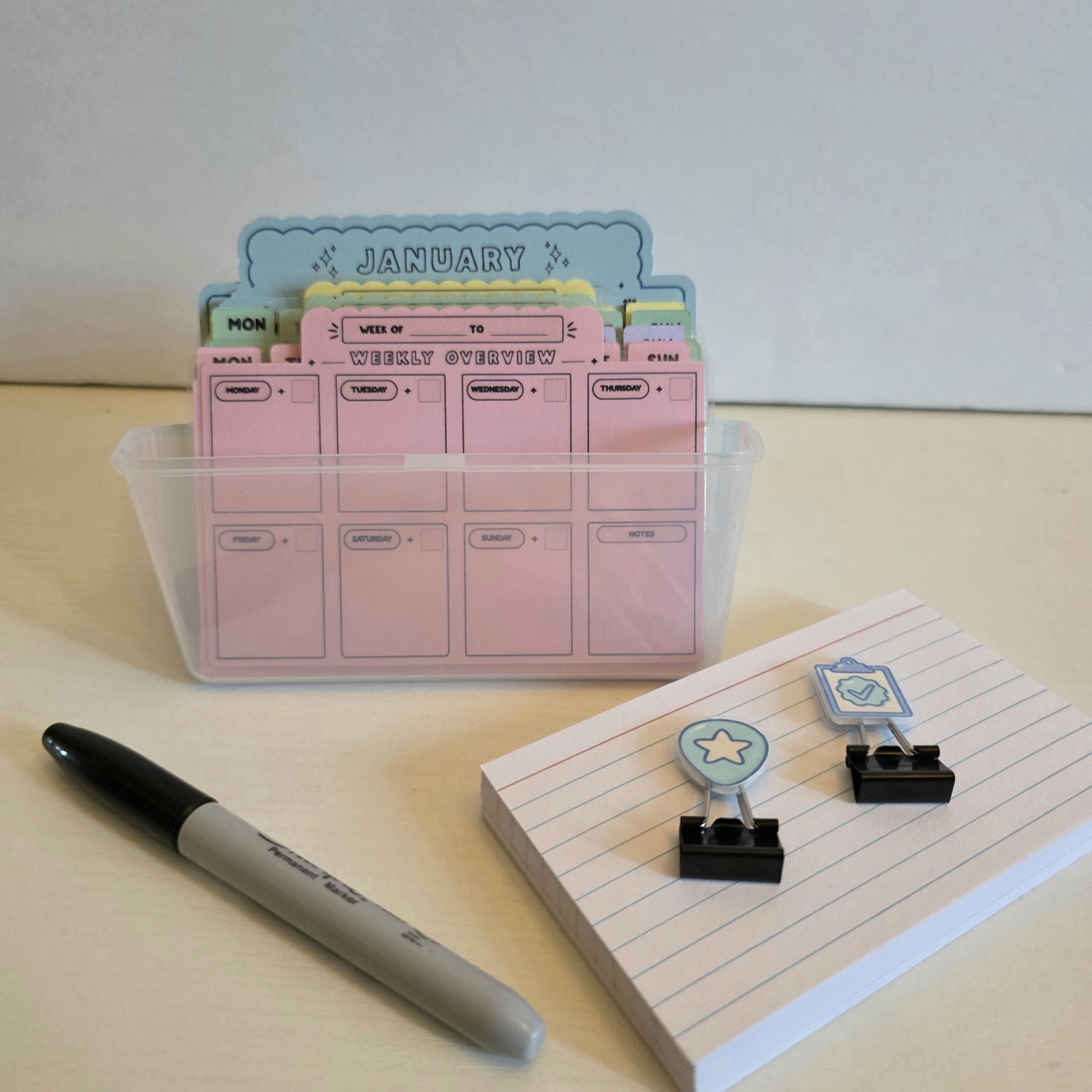
A real Index Cubby starter kit with pastel dividers, cards, and a marker
Luna holding an Index Cubby index card beside her pastel cubby
a note from me

hi, i'm luna!

i originally made index cubby because i needed somewhere to put all the random things floating around in my head. traditional planners never really stuck, so i started experimenting with index cards.

after a lot of trial and error, i found ways to organize my tasks, plans, and ideas that actually worked for me. my favorite part is being able to move things around when plans change instead of starting over.

i'm really excited to share it with you, and i hope you have fun making it your own! :)
what would you like help with?

new here? start with the first section. already set up? the card finder is under quick help.

in this guide

your cubby has a little place for everything

the month dividers and weekly sets help you plan dates and days. the other sections keep tasks, ideas, and notes where you can find them.

start here
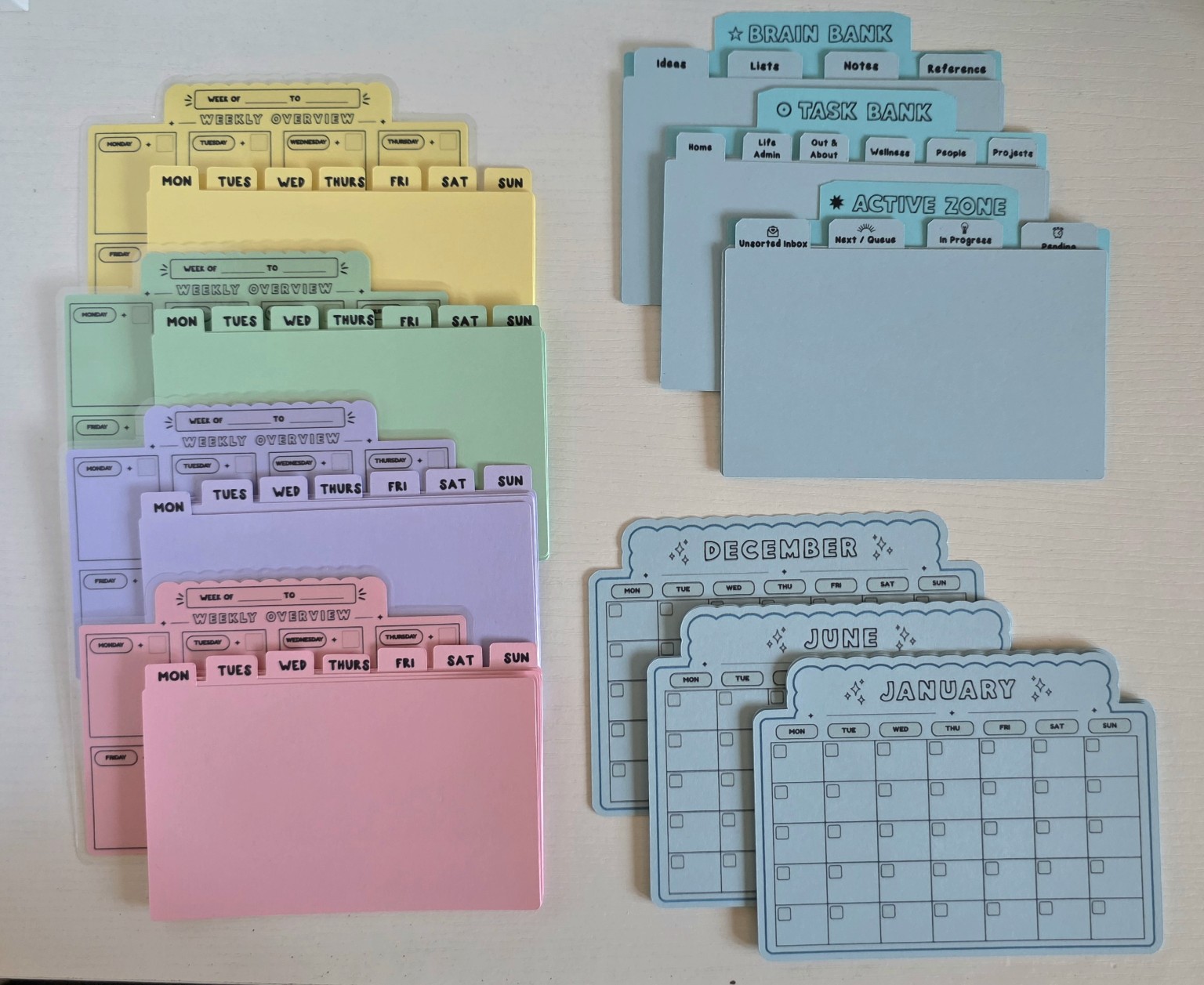
All the Index Cubby dividers arranged into four pastel weekly sets, months, and supporting categories

how everything fits together

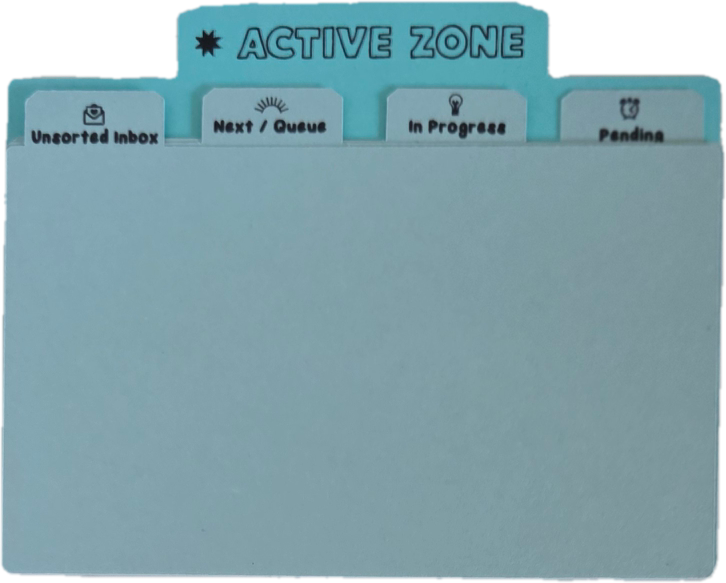
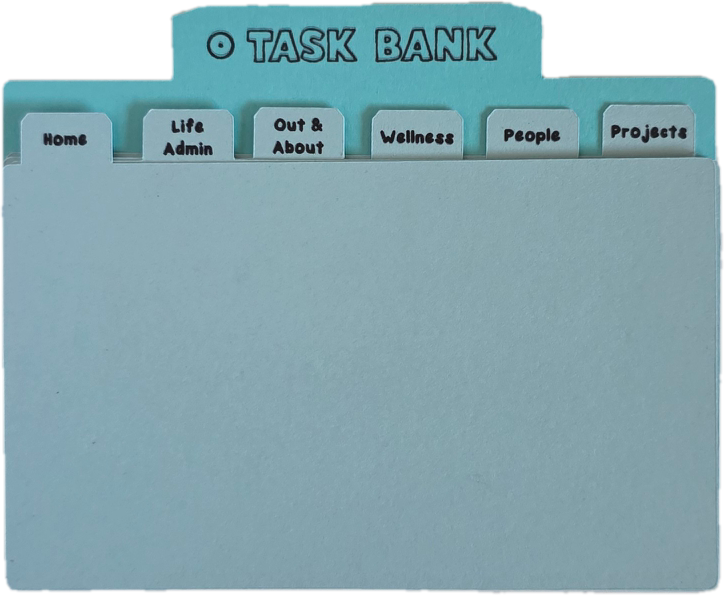
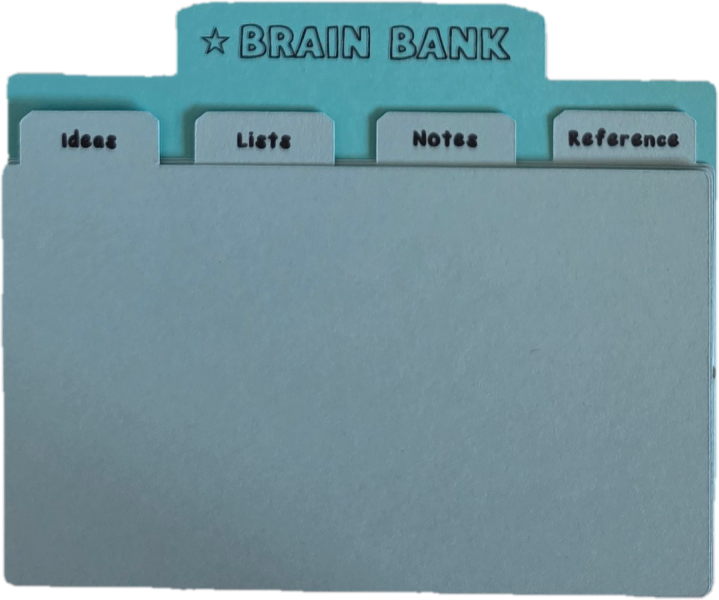
the month dividers and weekly overviews help you keep track of dates, appointments, and plans. Days hold task cards for things you want to do on a certain day. the Active Zone holds tasks in motion, the Task Bank saves tasks for later, and the Brain Bank keeps ideas, notes, and lists.

take a peek at each section ↓

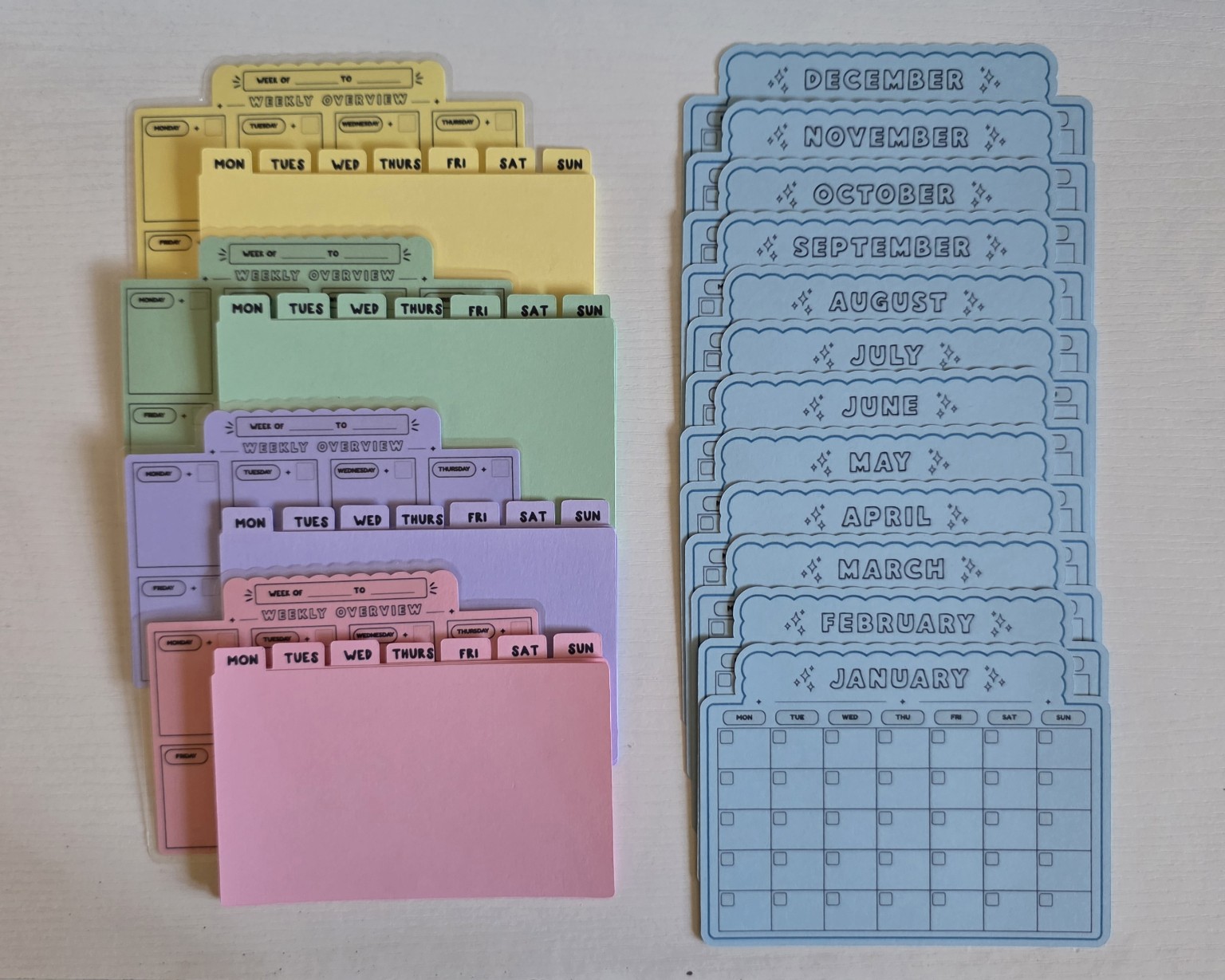
The four colored weekly sets alongside twelve blue month dividers
time / dates + days

months, weeks & days

the month dividers help you look ahead, while weekly overviews show what’s coming up this week. for example, write “dentist · thursday, 2 pm” on a calendar and “call to confirm” on a task card. you can also write tasks directly on your overview if you prefer.

  • 12 month dividers: each blue divider has a calendar grid. use it to record upcoming appointments, birthdays, deadlines, and important dates for that month.
    see examples
    • a birthday next month
    • a concert date you bought tickets for
    • a subscription renewal
    • a vacation or trip date
  • 4 reusable weekly overviews: write the week's date range at the top, then add appointments and plans in the matching day boxes with a fine-tip dry-erase marker.
    see examples
    • tuesday: appointment at 10 am
    • thursday: a class or meeting
    • friday: an assignment deadline
    • saturday: plans with friends
  • 28 Days: put task cards behind monday, tuesday, etc., when you've decided which day to work on them.
    see examples
    • monday: call about a bill
    • wednesday: drop off returns
    • friday: finish the slides
    • sunday: meal prep
↑ sections